
AI Lab
Play with what we add to a business.
01 · Virtual try-on
Your customer, wearing your catalogue.
A shopper uploads a photo and sees a piece from your existing catalogue on themselves, made from the product photos you already have. It plugs into the site you already run, as a button on the product page.
Virtual try-on
Checking engine…
3 · Try it on
Add your photo to continue.
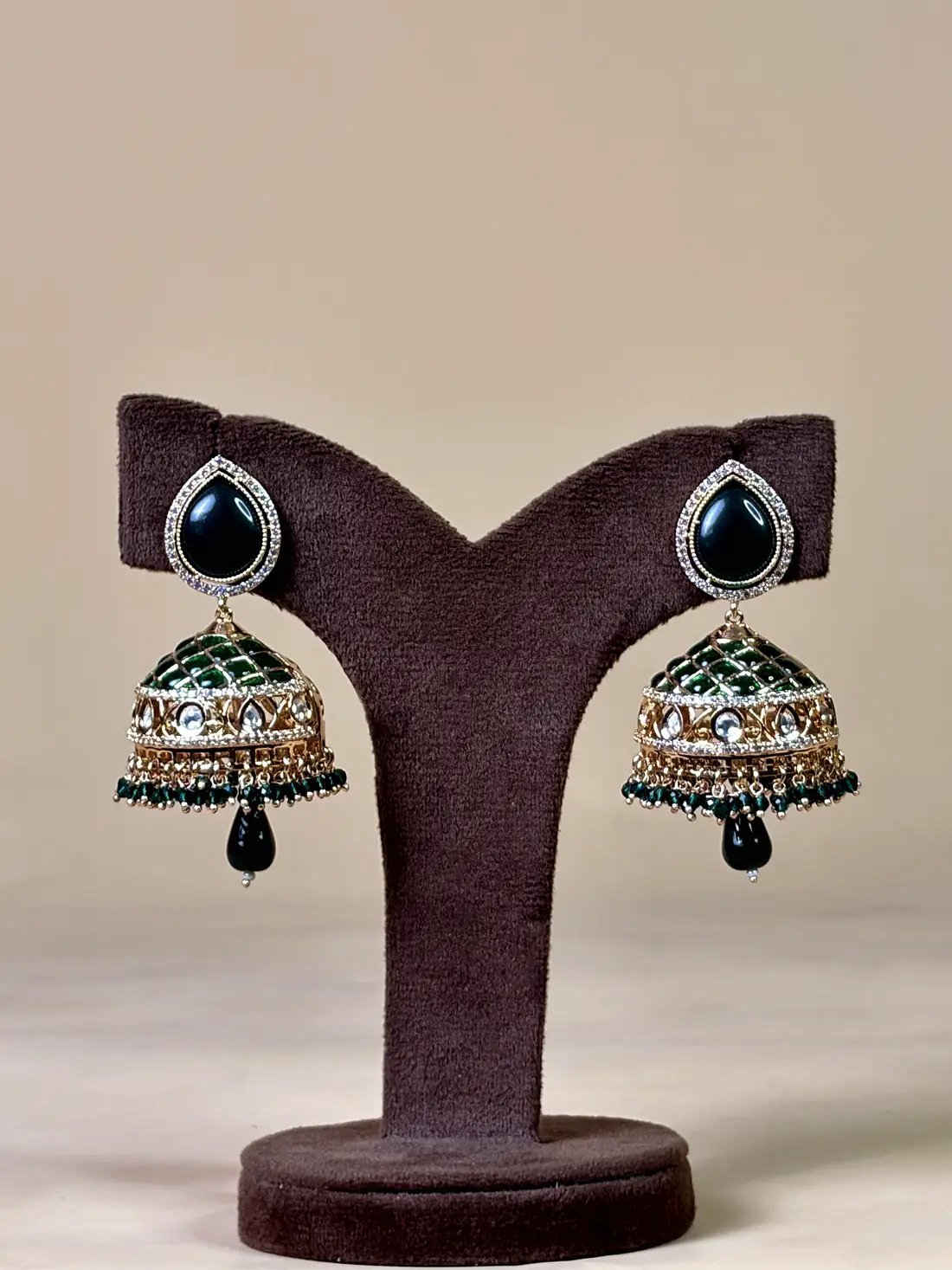
- Uses your catalogue
- The engine works from your existing product photos and data. No 3D models or reshoots needed to start.
- Jewellery and clothing
- Earrings, necklaces and other accessories, plus tops, bottoms and one-pieces. Results depend on the photos, so we test on your products first.
- Private by design
- Shopper photos are processed only to make the result and are not stored. We set this up the same way on your site.
02 · AI calling
Every lead called back, every slot confirmed.
Voice agents that call and answer leads, confirm orders, book appointments and chase payments, then write what happened back into your system so your team sees it.
AI calling
No audio · transcript shown as captions
What happened in the system
- Lead from website enquiry picked up(pending)
- Slot booked in the studio calendar(pending)
- WhatsApp confirmation sent(pending)
- Note added for the team: “bringing her mother”(pending)
Transcript
- Press play to start the call.
Scripted demo. Not a recording of a real customer, and no real call was made. A live setup uses a generated voice, follows your script and policies, and hands over to a person when it should.
- Connected to your tools
- Bookings land in your calendar, notes in your CRM or admin, confirmations go out on WhatsApp.
- Your script, your rules
- What the agent may say, offer and promise is written with you, and it hands over to a person when it should.
- Clearly an assistant
- Callers are told they are speaking with an AI assistant. Calls follow consent and calling-hours rules.
03 · WhatsApp
The messages your team used to send by hand.
Orders, invoices and reminders, sent for you.
Every message here is sent by the system, not typed by a person: the order confirmation and the GST invoice the moment payment clears, the reminder on schedule, the shipping update from the order status, and a polite nudge for a forgotten bag.
- Order confirmed
- GST invoice (PDF)
- Payment reminder
- Shipped
- Still thinking?
A fictional store and customer. The invoice message follows the template our VIYA platform uses; the other flows are ones we build.
Want one of these on your site?
Tell us what you sell and where customers get stuck. We’ll show you which of these fits, on a call, with your own products.
Or write to contact@infinovia.com